edit theme
update your theme instead of starting over
Written By Jake Silver
Last updated About 1 year ago
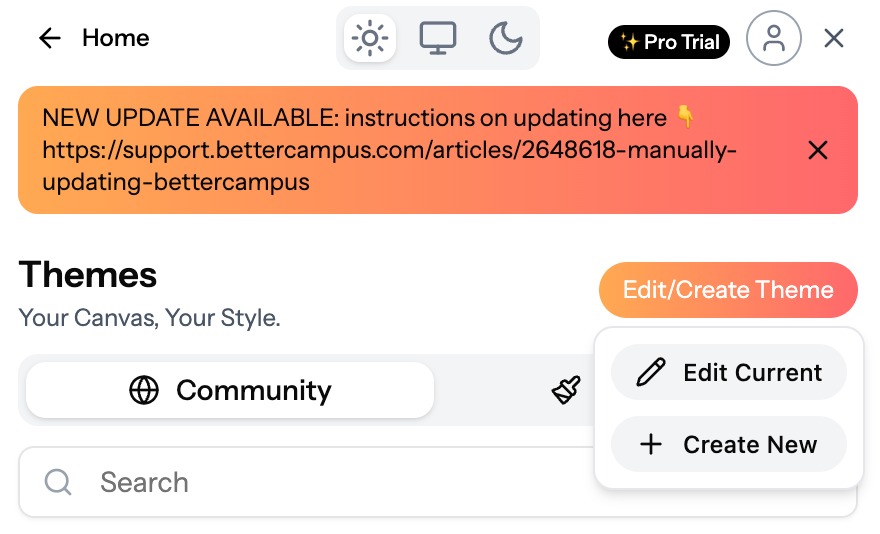
edit theme lets you change up a theme you’ve already made or remixed — no need to start from scratch every time you want a fresh look.
how it works
open your theme → pick the one you want to update (created or remixed).
hit edit theme → this opens up your theme for quick changes.
make it yours again → adjust colors, fonts, or class cards until it feels right.
save + done → once you’re happy, save it and your updates go live instantly.
why edit?
✨ refresh your design fast — no rebuilding needed.
🎓 keep your favorite theme but switch it up for a new semester or mood.
🎨 test small tweaks (like new fonts or colors) while keeping your overall vibe.

Was this helpful?
Still need help? Share an idea